
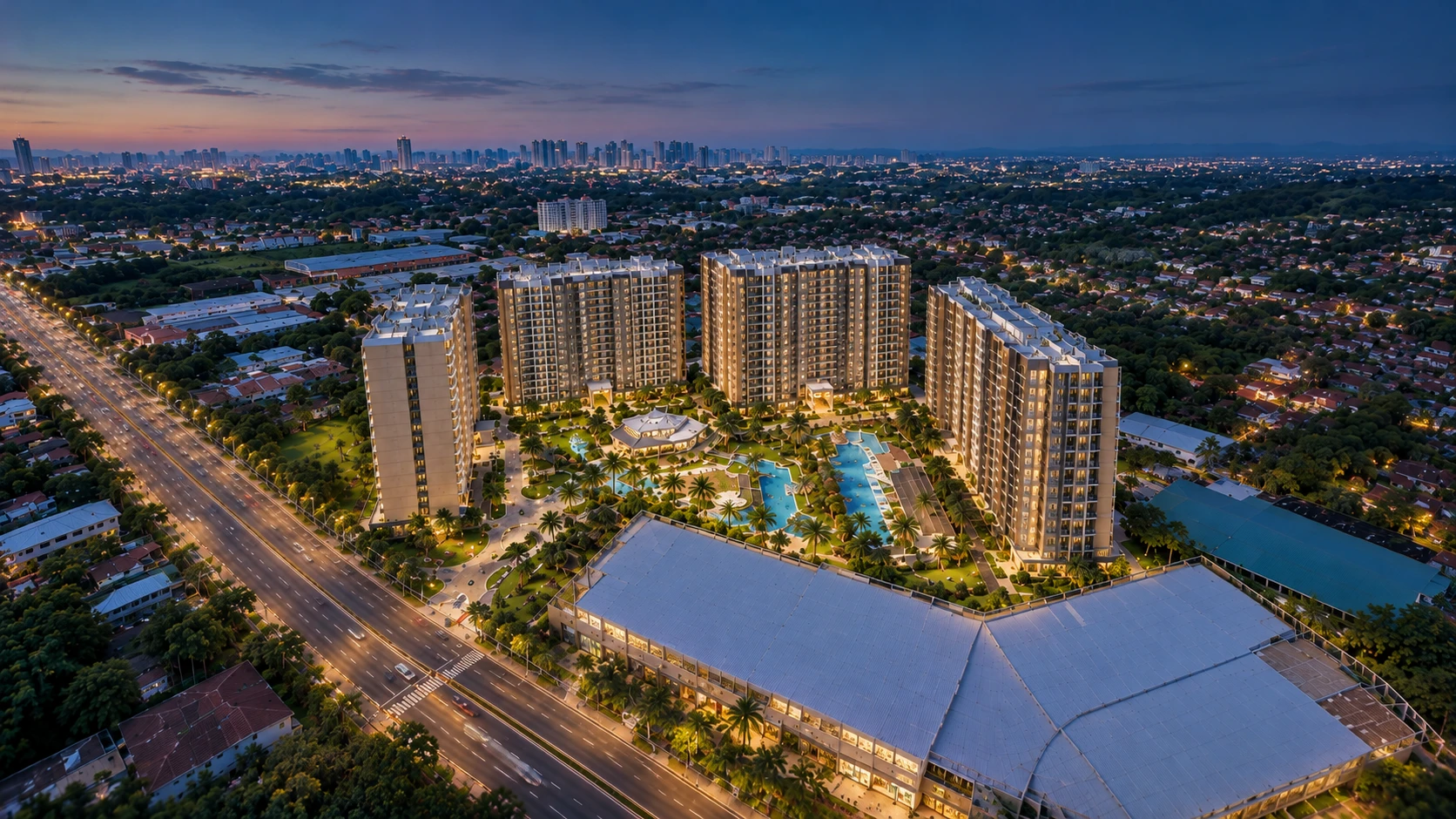
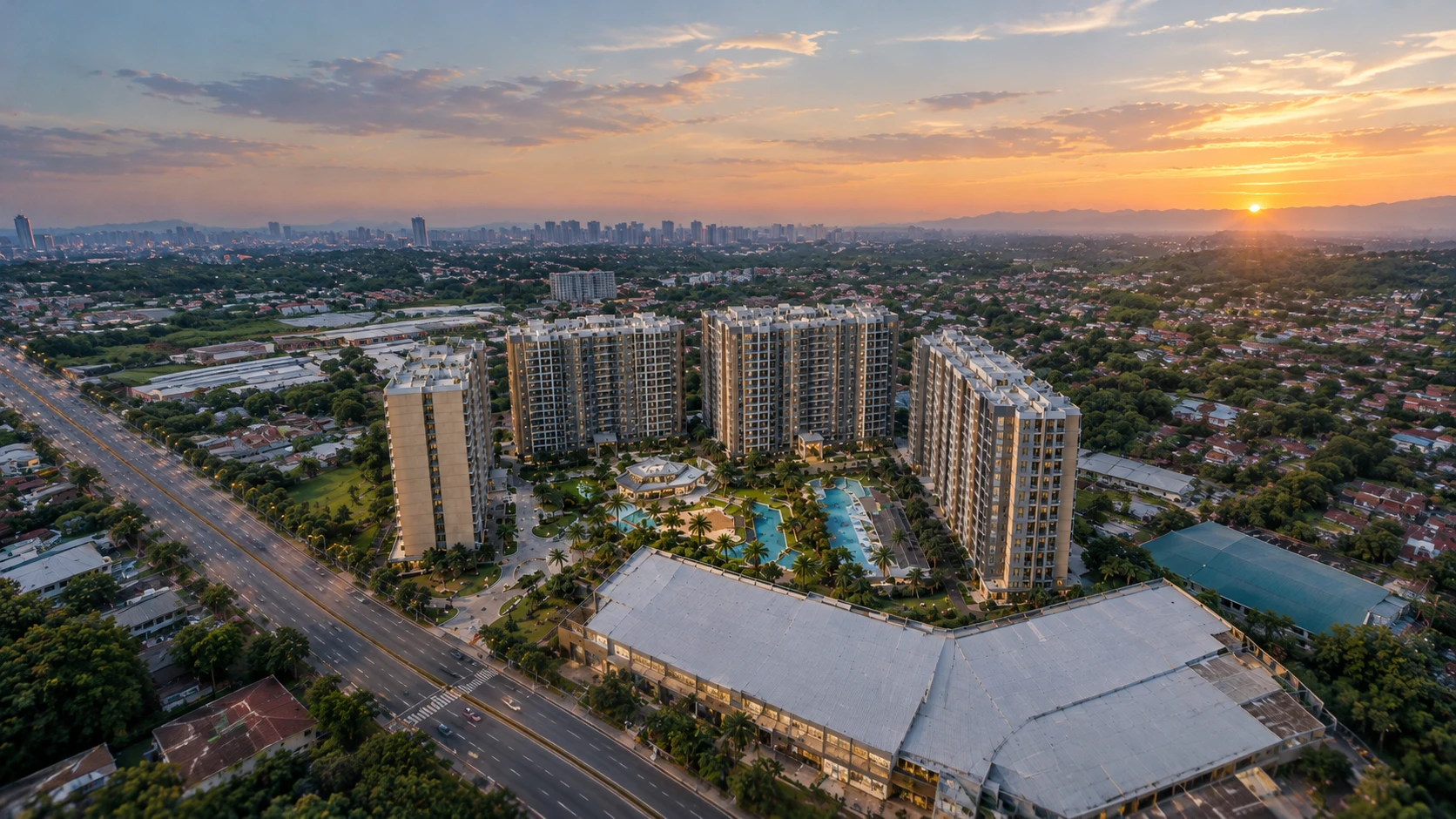
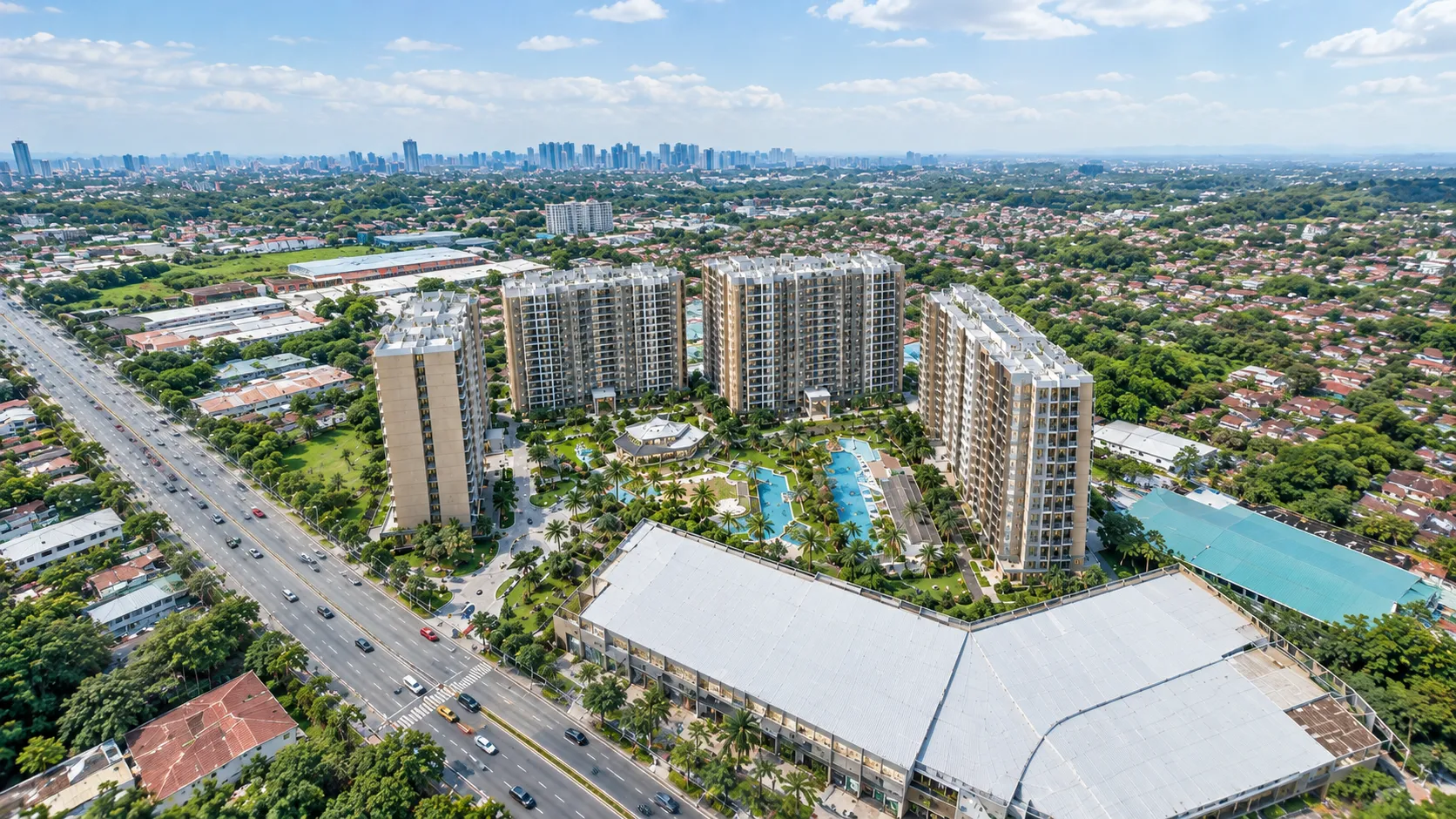
The towers
Four towers – two for rent, two for sale. See every floor and which units are available now.
FOUR TOWERS
Choose a Tower and a Floor
Towers A and B are for rent, C and D are for sale. Yellow windows are units you can still get. Tap one to see the details.
Residences
At a glance
Every tower, side by side
| Tower | For | Floors | Units | Types | Available now | Link |
|---|---|---|---|---|---|---|
| Tower A | Rent | 12 | 216 | 1BR, 2BR | 0 | See units → |
| Tower B | Rent | 12 | 216 | 1BR, 2BR | 0 | See units → |
| Tower C | Sale | 12 | 216 | 1BR, 2BR | 0 | See units → |
| Tower D | Sale | 16 | 336 | 1BR, 2BR | 17 | See units → |
For rent – Towers A & B
All-in (dues and utilities included) or Rent only for 6+ months. Short stays per day.
For sale – Towers C & D
In-house payment schemes and a fixed reservation fee.
Reading the explorer
Pick a tower and floor. Yellow = available; tap for details.
Common questions
How do I book a viewing?
Pick a unit you like, then choose a date and time slot. The sales team confirms your viewing, and you can follow it in your account.
What units are available and how much are they?
Live availability and prices for every tower are in All Unit Listings – you can filter by tower, unit type and price. Prices depend on the tower, floor and unit type.
How does reserving a unit work?
A reservation holds the unit for you while the paperwork is prepared. The sales team confirms the reservation fee and how long the hold lasts for your chosen unit, then helps you turn it into a booking.
Something else? Ask Hive Assist – it answers right away.